Built by one busy mum for another

One Less Thing on Your To-Do List.

We all have thousands of photos sitting quietly on our phones, waiting to print them 'one day'.

Not printing them not because we don't care, it's just life is already so full.

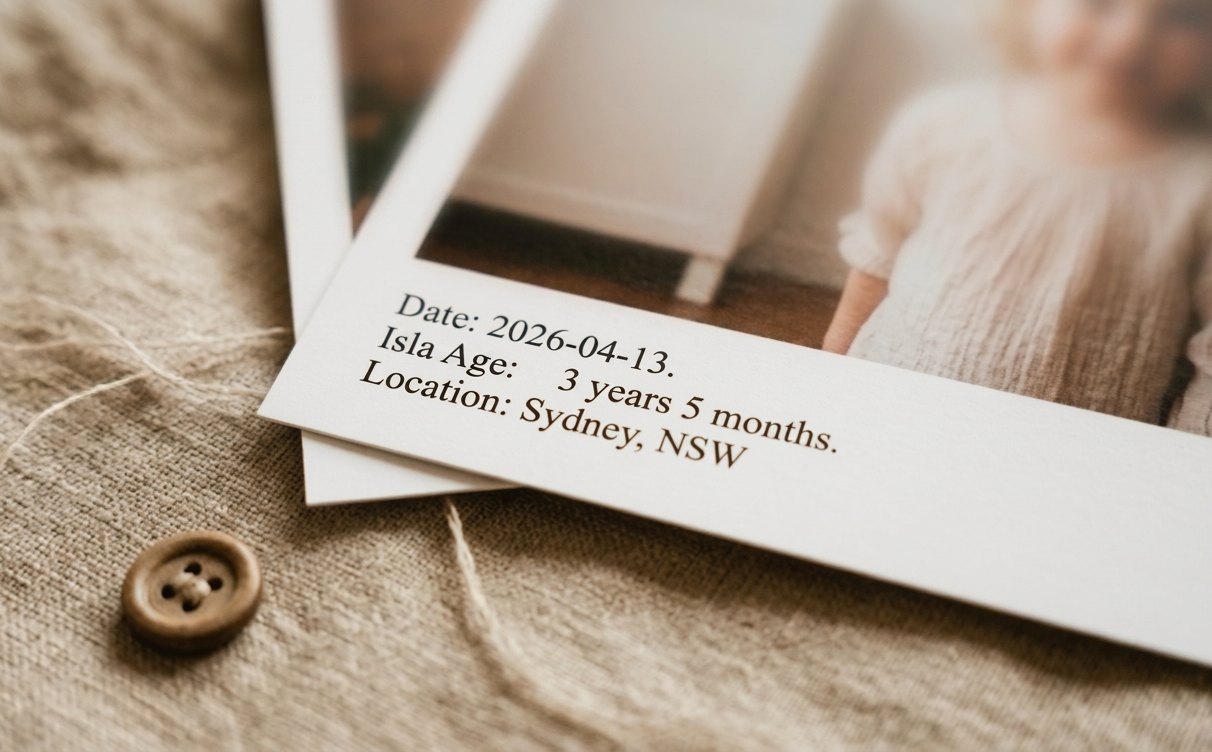
smallstories helps you turn those everyday photos into something finished. It pulls out the dates, places, and baby age already tucked inside your images and turns them into simple, print-ready keepsakes.

No sorting everything first. No design tools. No extra project you never started.

Just your real moments, ready to print and keep.

How to use

  1. Add your photos Drop in a single photo or a batch from your camera roll.
  2. We add the details Dates, locations, and little details like baby's age are pulled & calculated automatically. Choose your styling.
  3. Print and enjoy Download styled 6x4 print files ready for any photo shop, photo kiosk, or home printer.

Let's Chat.

If you need help, or just want to say hi, I’d love to hear from you:

Hi, I'm Cassie.

I know that guilty feeling of having thousands of photos sitting on my phone — I felt it myself, going through my camera roll with a new baby and a busy life.

Like most people, I had so, so many photos I loved but never got around to doing anything with. I’d sit on the sofa at night scrolling through them, meaning to organise them properly one day.

But I'd always be too busy, or tired, or overwhelmed to start.

The part that slowed me down wasn't the photos—it was everything around them. The things that take them from being just a photo to something really special.

I kept wanting to recreate the feeling of our family albums growing up. The simple notes written on the back: a date, a place, an age. That small bit of context is what turns a photo into something you can hold onto.

It was too much work. So I built something to do that part for me.

smallstories takes the admin out, so you can get from camera roll to something printed and real, without it becoming a big project.
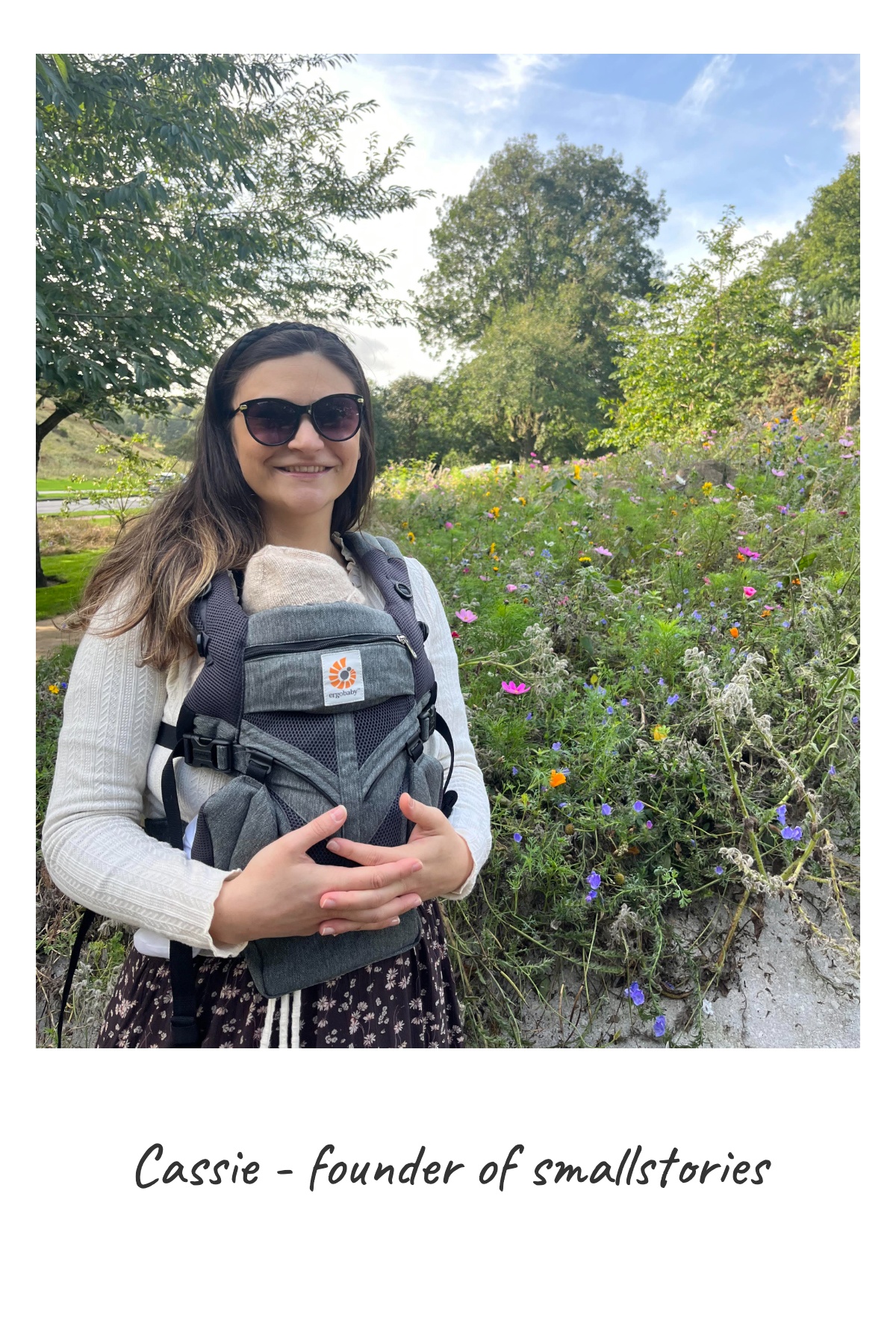
Cassie, founder of smallstories

Radical Honesty (FAQ)

How do you find the location on my photo?

We read GPS data already stored in the photo, when it is available, and use that to look up a human-readable place name such as a city, beach, or landmark.

Do my photos ever leave my device?

No. Your photos stay on your device at all times. Only GPS coordinates already stored in the image may be used temporarily to generate a human-readable location name.

What services do you use for location lookup?

We use established geocoding services such as OpenCage and OpenStreetMap's Nominatim to convert coordinates into place names.

Is my data stored or shared?

We do not store your photos. GPS coordinates are only used temporarily to generate the location name for your print.

What if my photo doesn't have location data?

If a photo has no GPS data, we simply do not show a location for that image. You can still add one manually using the custom location field.

Why is location missing from some Android photos?

On some Android devices, privacy settings can prevent apps from accessing photo location data during upload, even when it is still saved in the image. Uploading from desktop or iPhone usually preserves that information. If it is missing, your photo still works normally and you can add the location yourself using the custom location field.

Can I style more than one photo at once?

Yes. You can edit a single photo, then apply that look to selected photos or the whole batch.

What kinds of story details can I add?

You can work with frame styles, zoom and position, dates, locations, custom text, and ages where relevant.

What size photo do I print?

Photos are downloaded in 6x4 inch (15x10 cm) format at high quality 300dpi, ready for albums, frames, and local print kiosks.

JPEG is usually the simplest format for quick printing and sharing. PNG also works if you want a lossless export.

Get My Stories Ready to Print

No account needed. No tracking. Just your memories, protected.